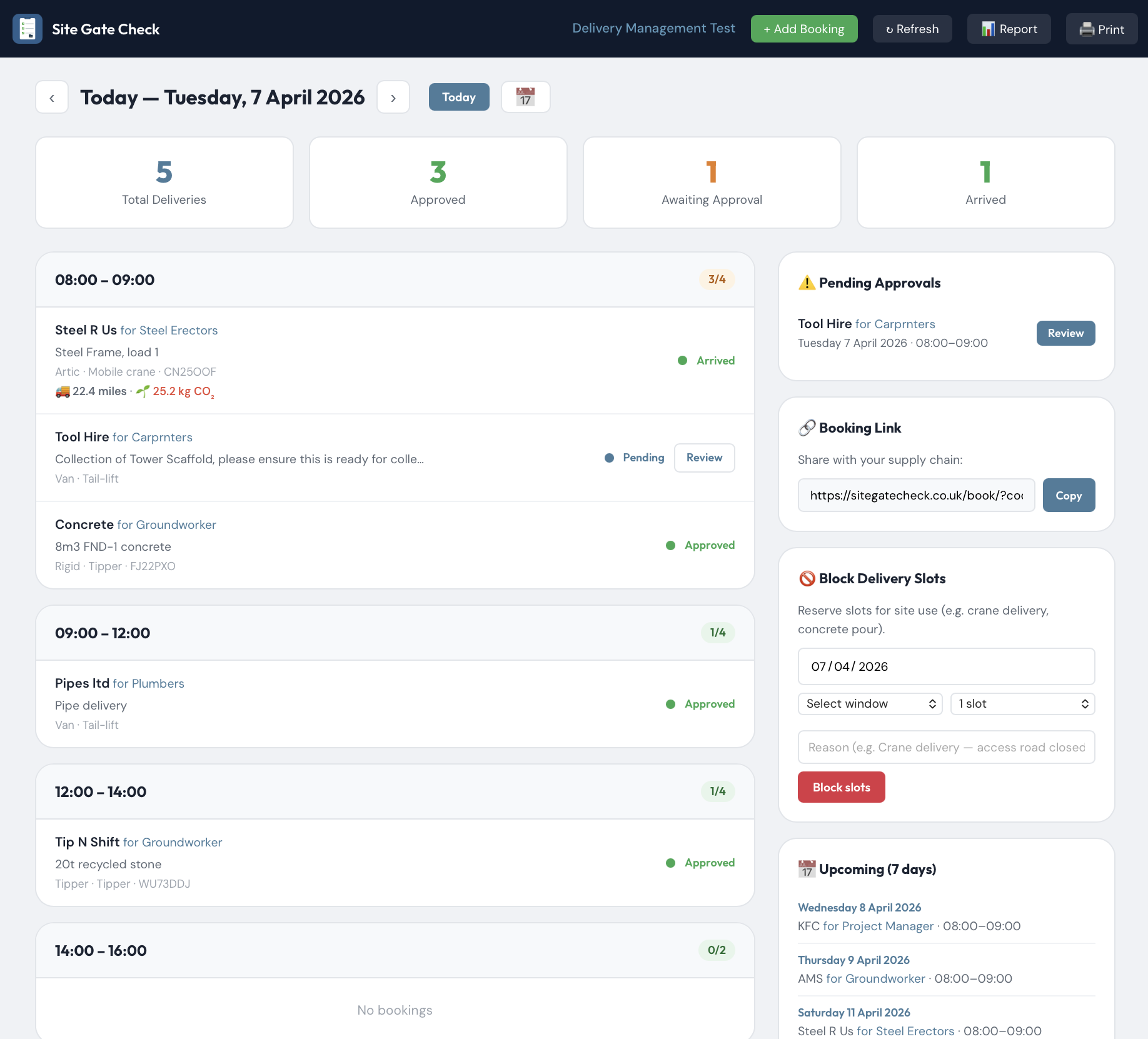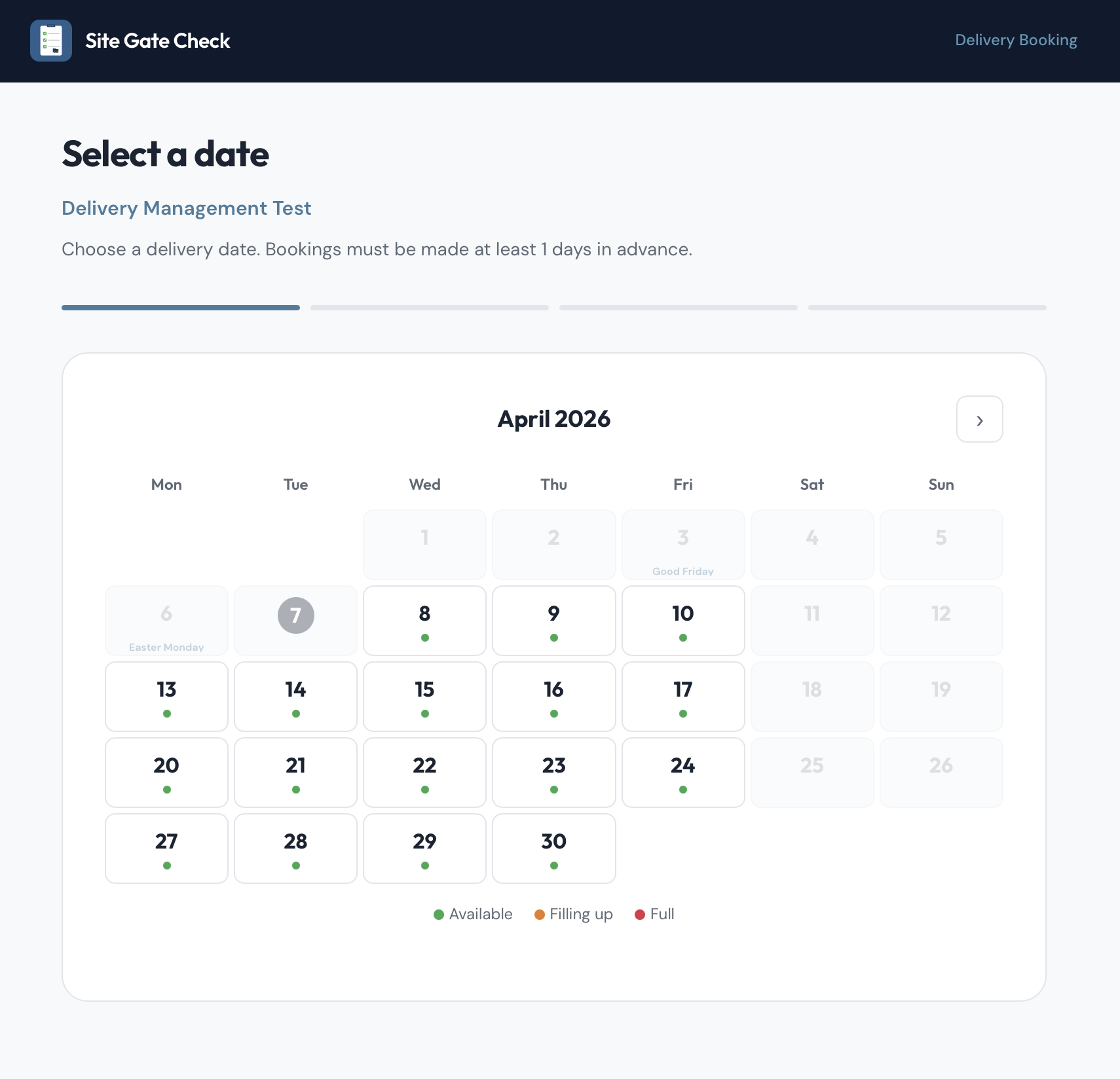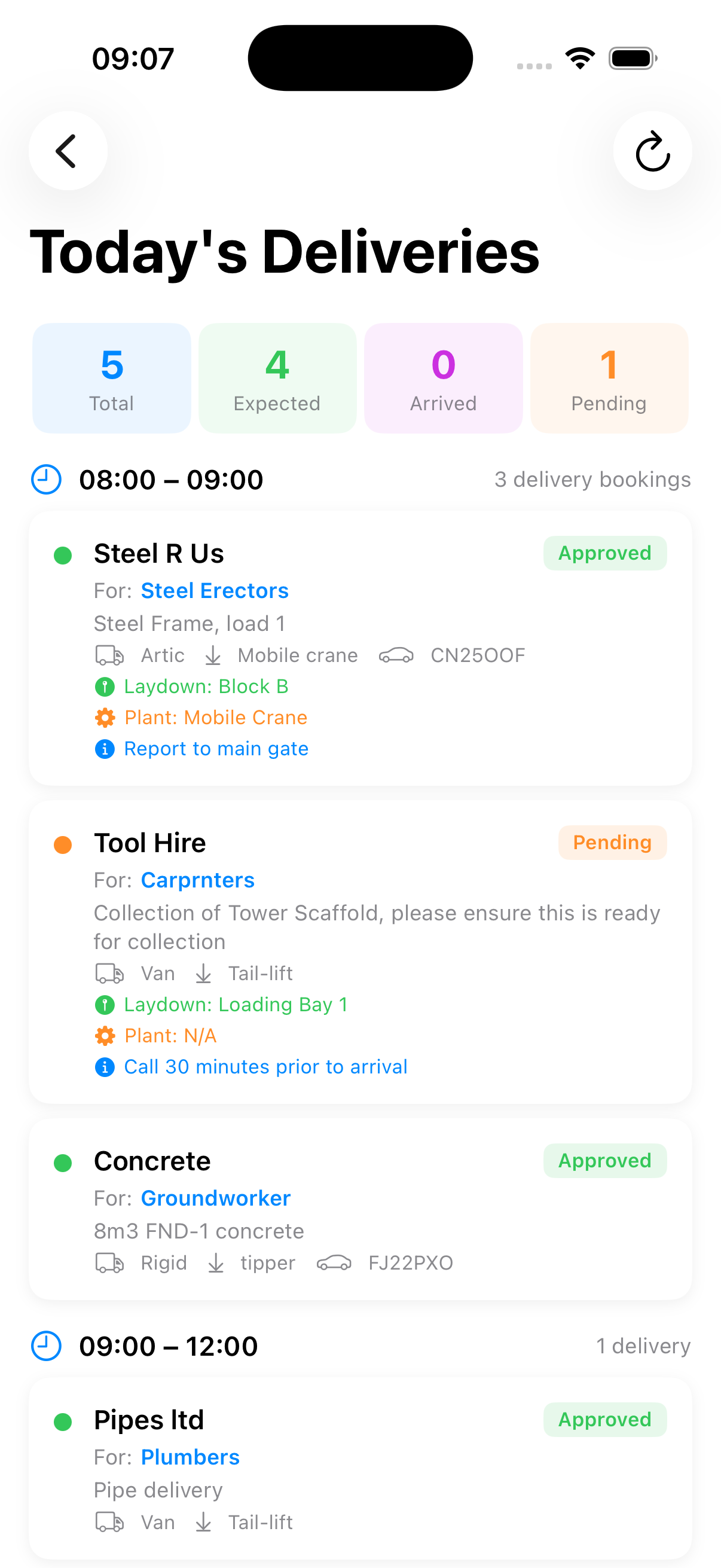
A guided tour of Site Gate Check — from project setup to completed inspection report.
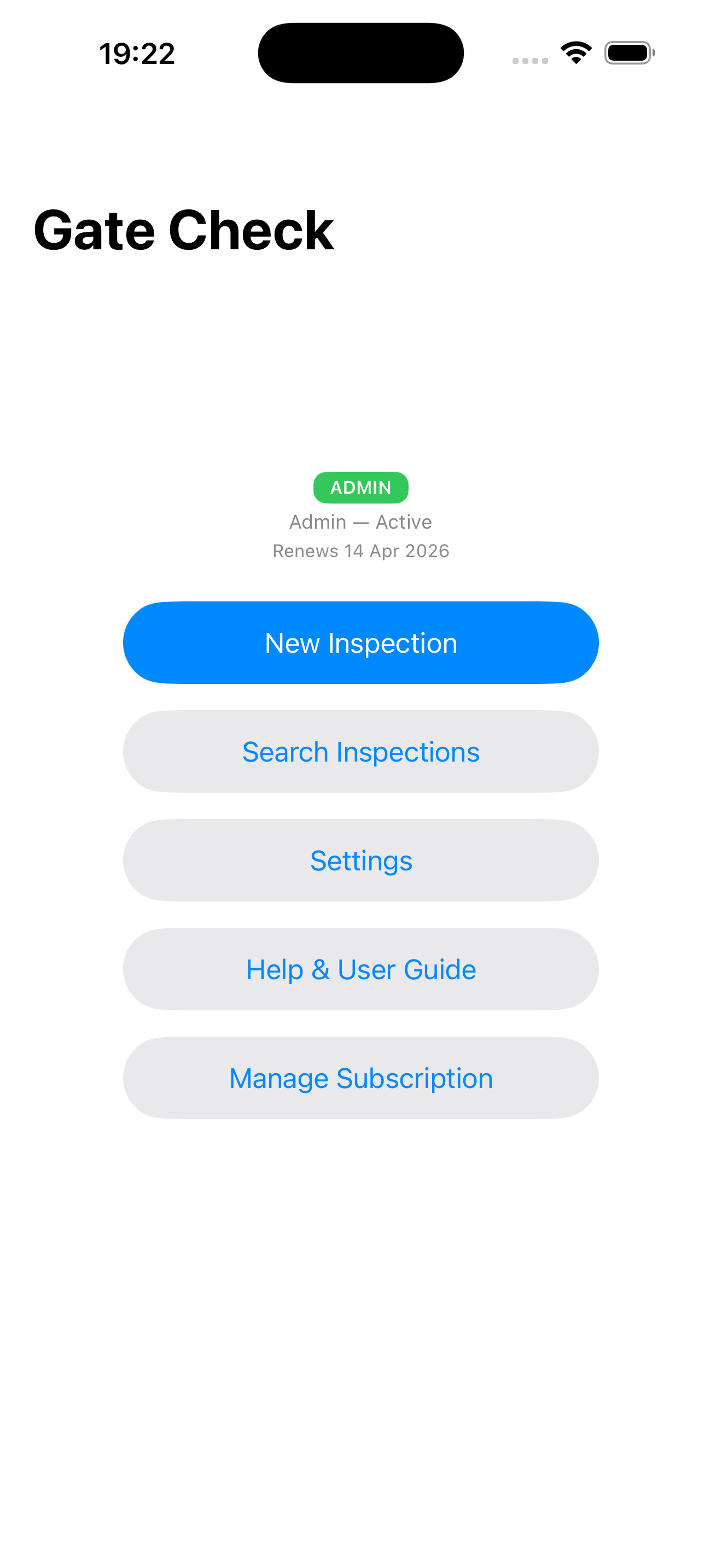
Everything starts here. Your subscription status, quick access to new inspections, search, settings, and your user guide — all one tap away.
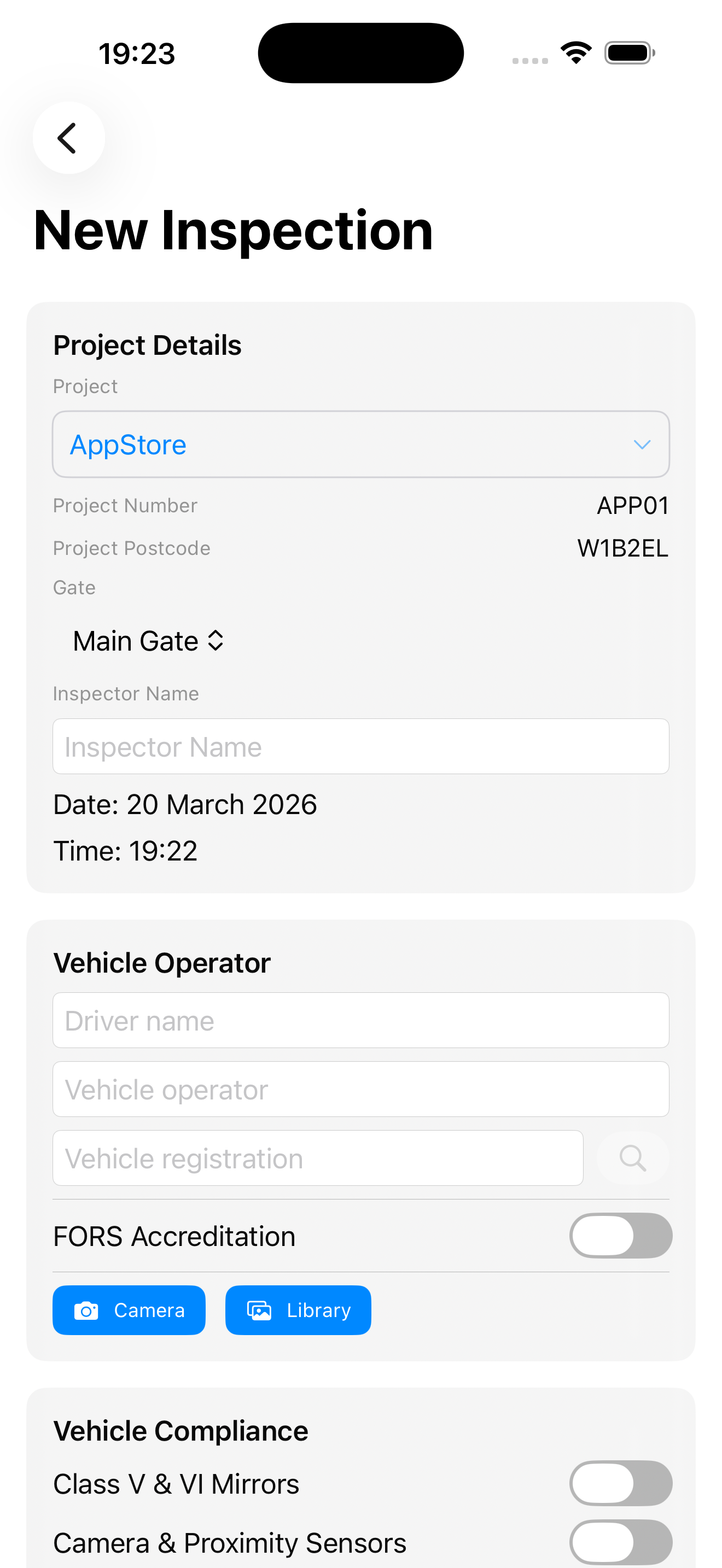
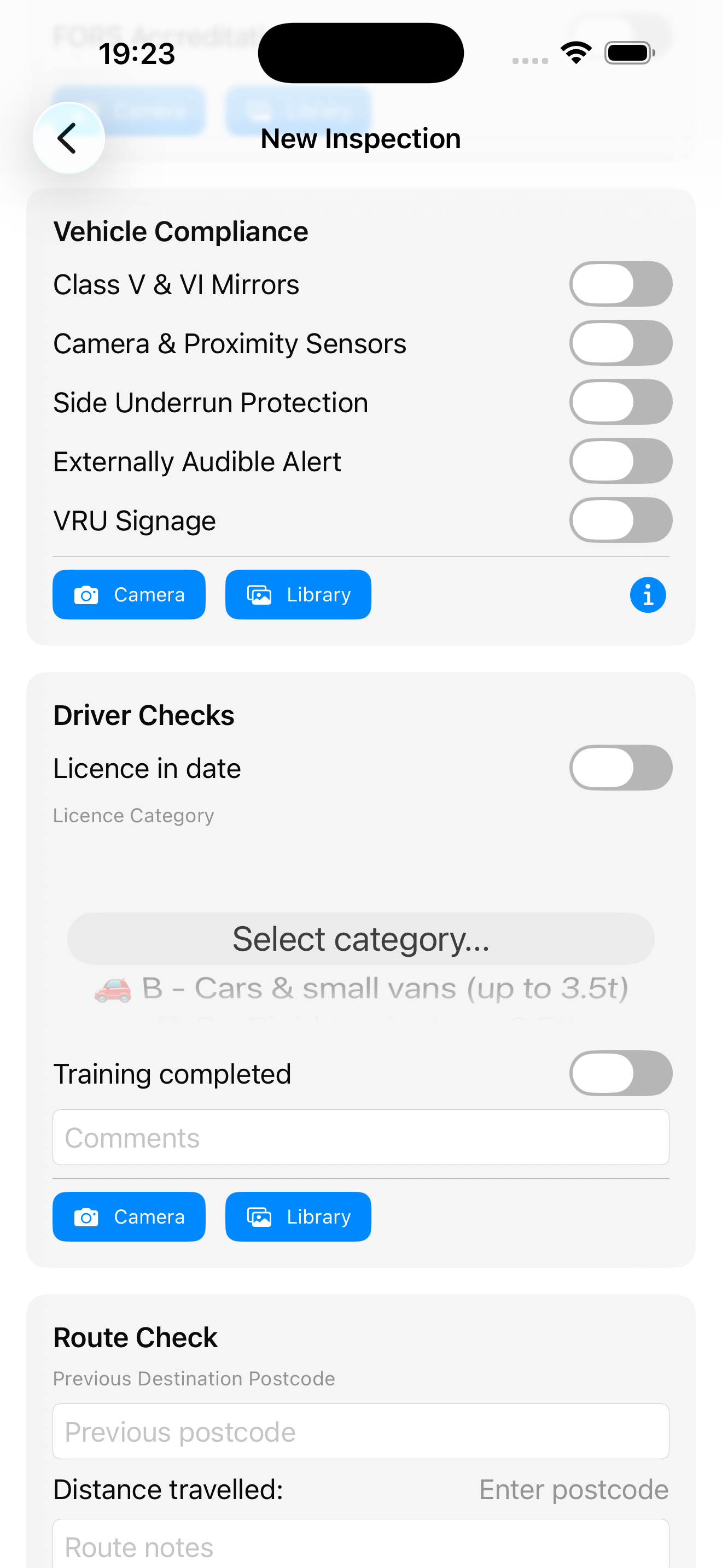
A structured flow that walks you through every check — project details, vehicle operator, DVLA lookup, FORS accreditation, vehicle compliance, driver checks, and route mapping.
Project details & vehicle info
Compliance, driver & route checks
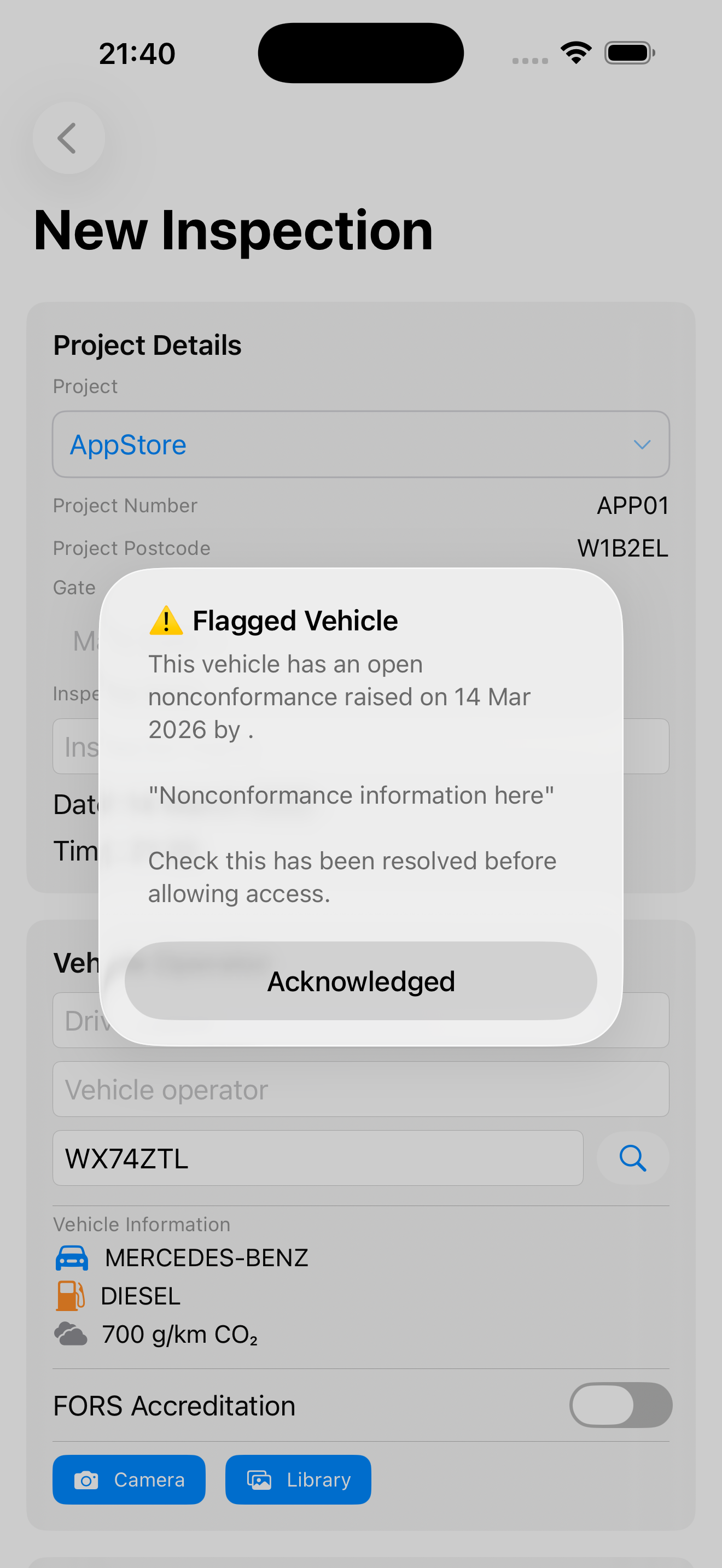
When a vehicle with an open nonconformance returns to site, every gatekeeper is alerted instantly. The original NCR details are shown so the gatekeeper can check whether the issue has been resolved before allowing access.
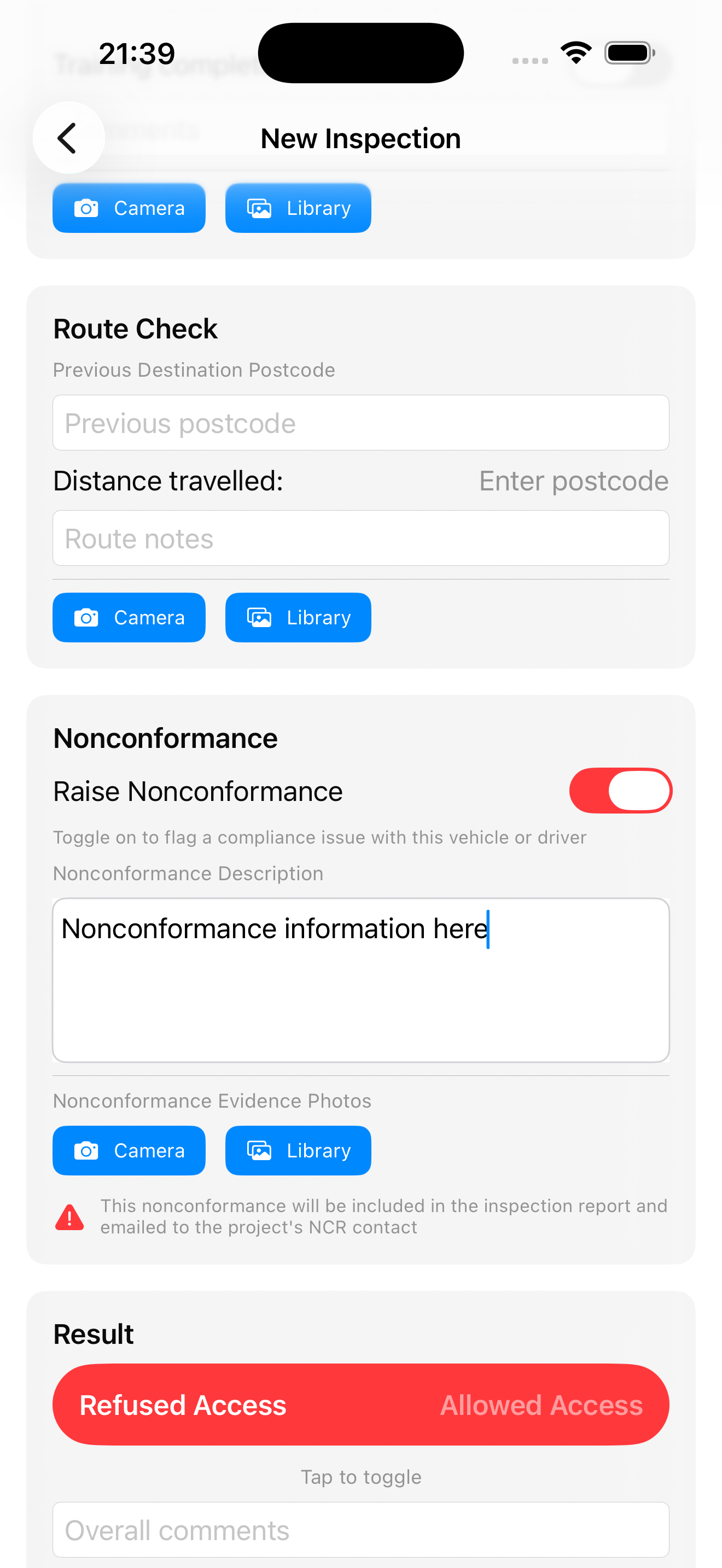
Flag compliance issues during any inspection. Add a detailed description and evidence photos. The NCR is highlighted on the PDF report and automatically emailed to the project's designated contacts.
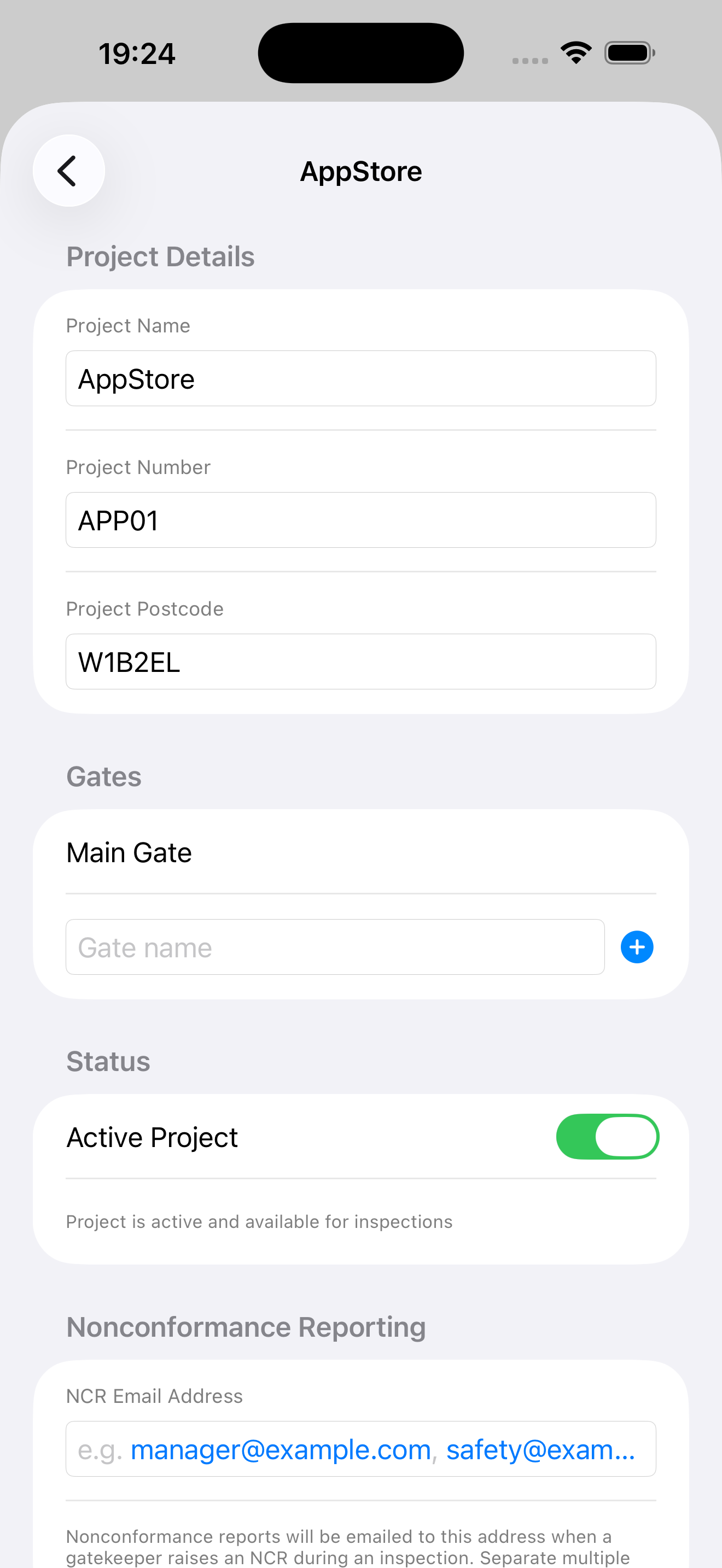
Configure your project details, manage gates, set NCR email recipients, enable sharing with gatekeepers, and view flagged vehicles — all from one screen.
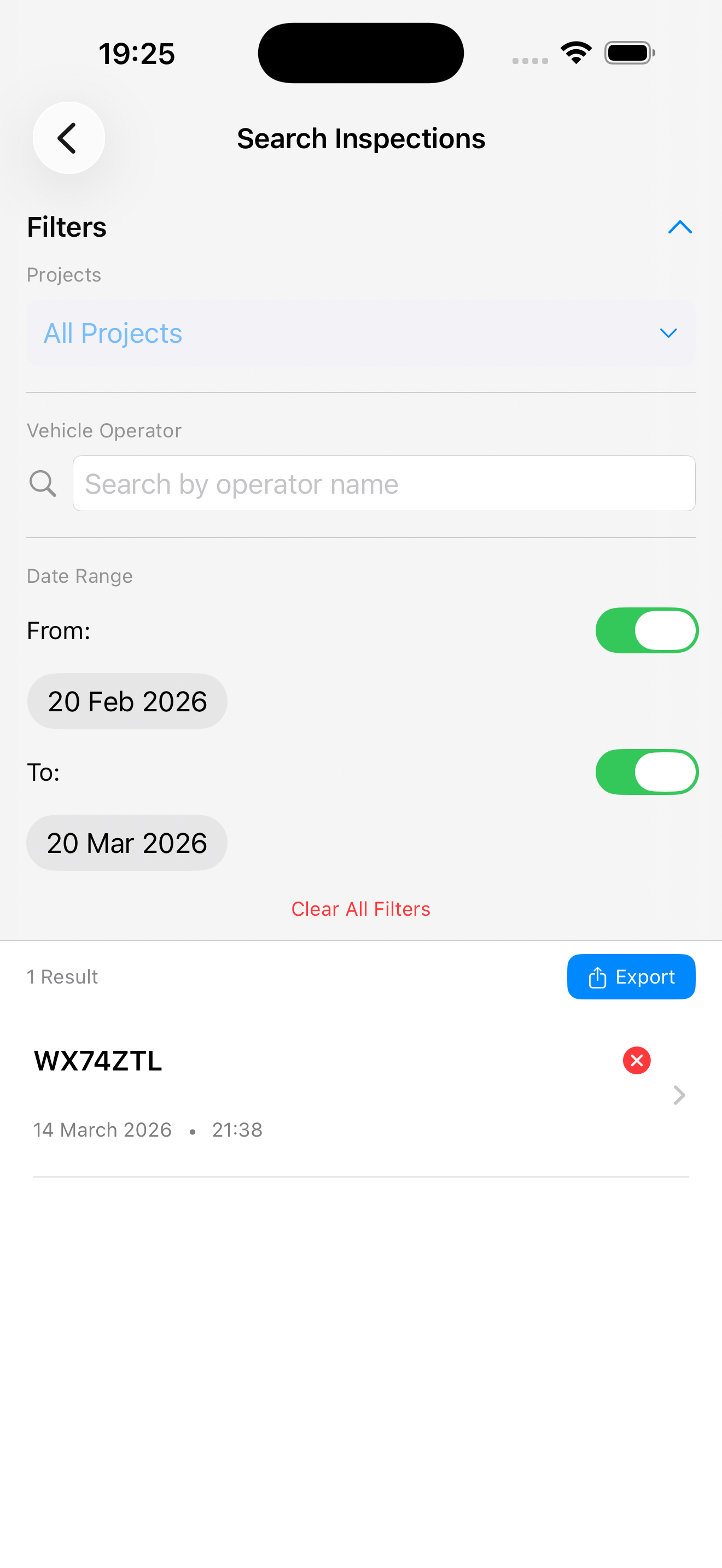
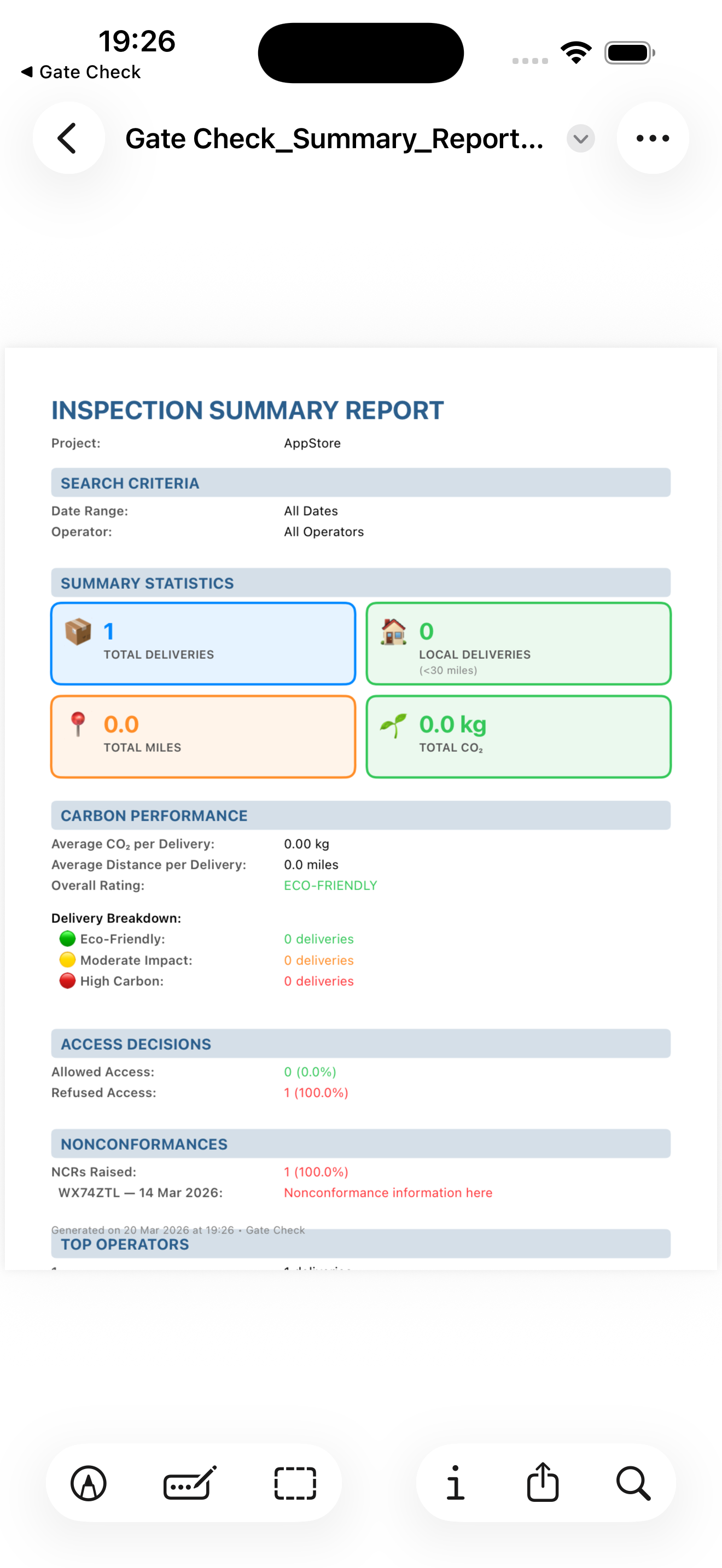
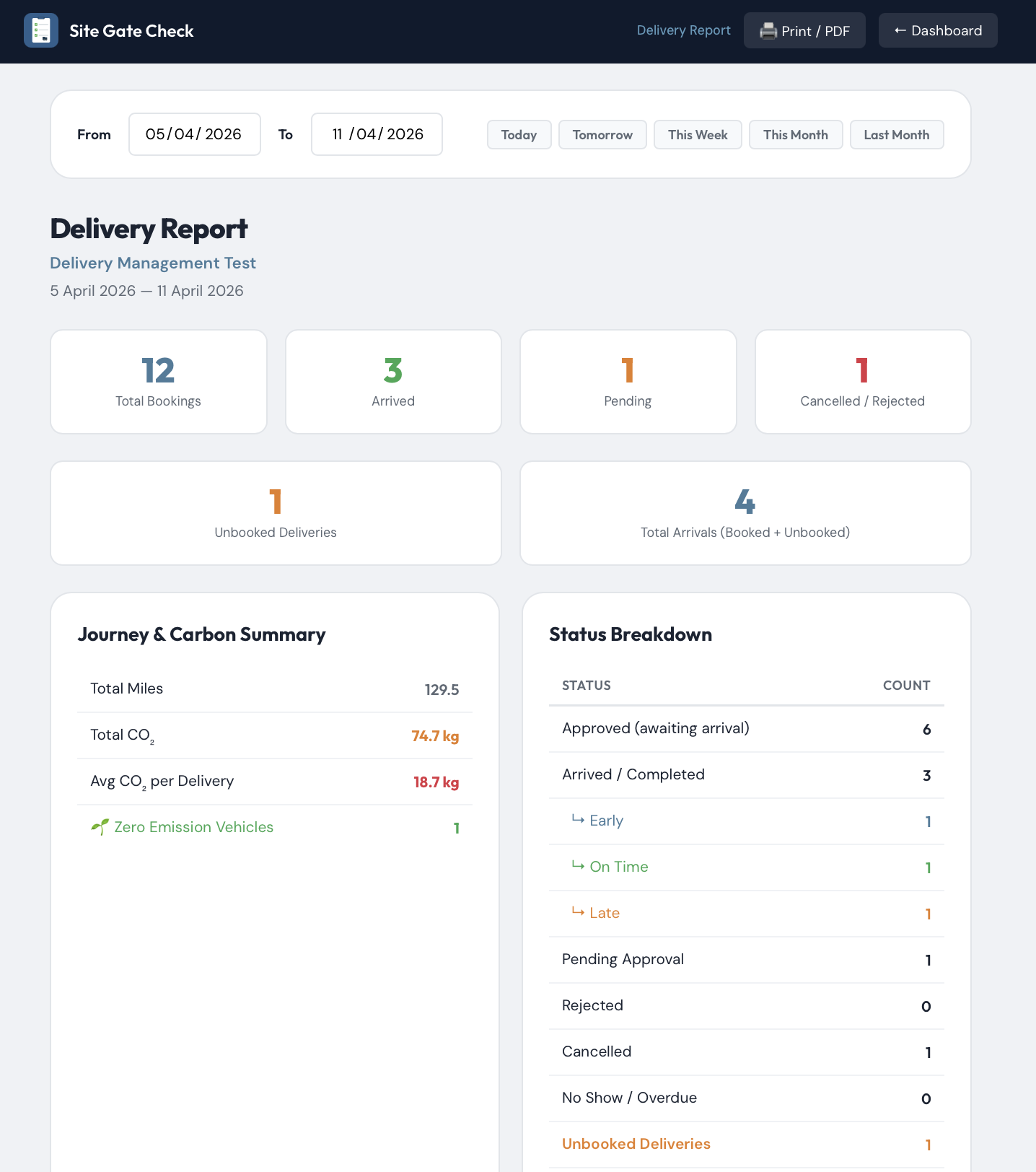
Find any inspection by project, operator, or date range. Export filtered results as CSV for spreadsheet analysis. Every inspection generates a detailed summary report with statistics, carbon performance, and NCR data.
Search & filter inspections
Summary reports & analytics